Find the part, issue the invoice,record the garage’s cheque.
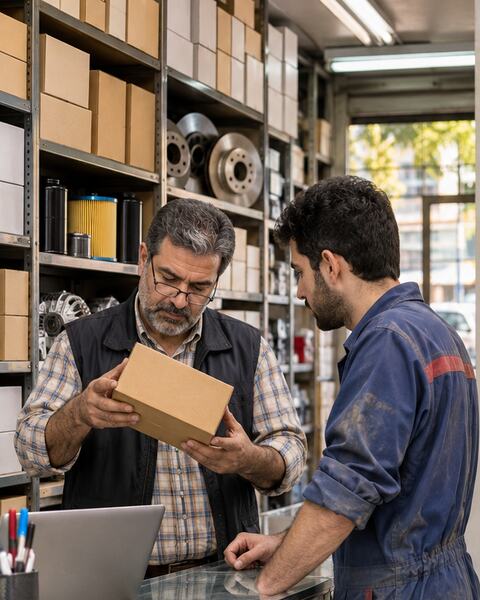
For spare-parts shops and parts wholesalers: thousands of parts from many brands, fast search in the invoice line, separate prices for garages and retail.
✓Accounting entry posted automatically
Sound familiar?
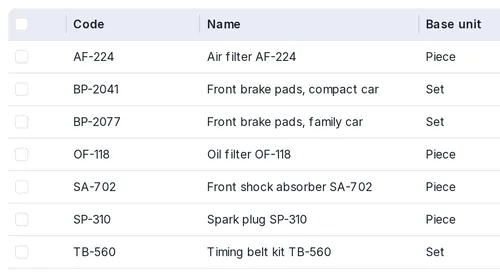
One part from several brands, thousands of codes.
Categories, brands, codes and barcodes — searched from the invoice line.
The customer waits while the part can’t be found.
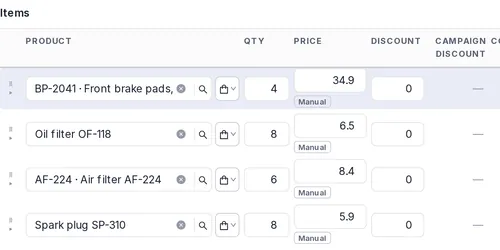
A fully keyboard invoice: type the code, Enter, done.
Garages buy on credit and pay by cheque.
Credit limits, cheques and every garage’s balance at a glance.
How PazarCloud handles it
01
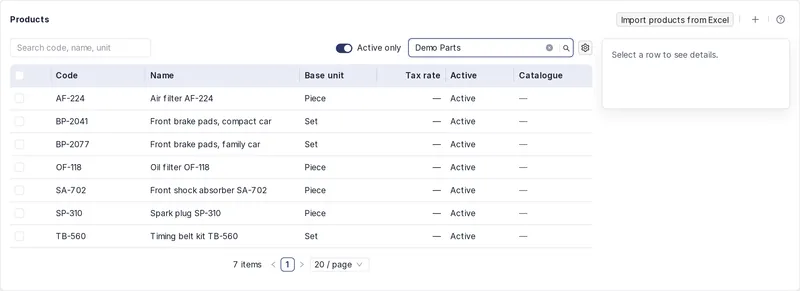
Thousands of parts, in order
Category, brand and code per part; shortages show before they run out.
- Product categories and brands
- Excel import with preview
- Low-stock list and purchase orders
02
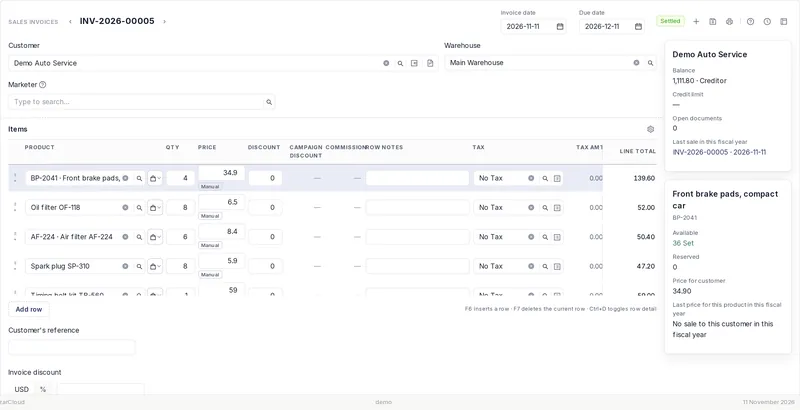
An invoice in seconds
Type the code in the line; the garage price comes by itself.
- Code search in the invoice line
- F-keys for lines and saving
- Garage prices via pricing rules
03
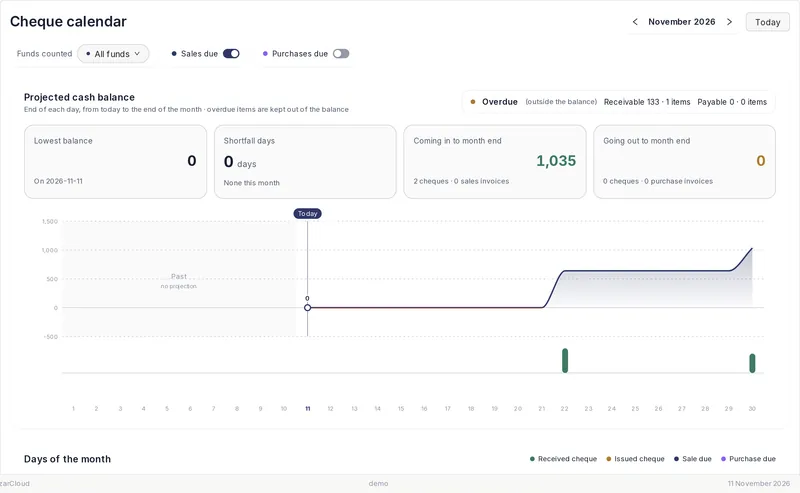
Garages and their cheques
Every garage’s cheques and due dates in the cheque calendar.
- Cheques received and endorsed on
- Credit limit per garage
- Cheque calendar
Your parts
Brands and categoriesOne part, several brands
Codes and barcodesSearch by code or barcode
Multiple warehousesShop and back store
Garage pricesSeparate from retail
- Sales invoices
- POS till
- Categories and brands
- Barcodes and labels
- Multiple warehouses
- Purchase orders
- Cheques and calendar
- Pricing rules
Suggested plan
Pro
10 USD / month
Questions
How do I load my parts catalogue?
From Excel with a preview — or bring the data from your previous software.
Can garages get a different price?
Yes, with pricing rules by customer type.
I have several warehouses.
Each warehouse keeps its own stock, and transfers are recorded.