Short queues at the till,clear accounts with suppliers.
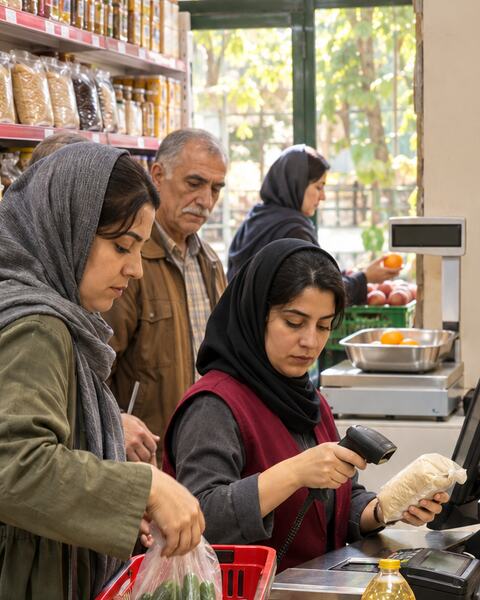
For supermarkets and minimarkets: a fast F-key till, scale barcodes, card terminals, shelf labels, and buying from dozens of distributors with clear balances and cheques.
✓Accounting entry posted automatically
Sound familiar?
Queues at the till at rush hour.
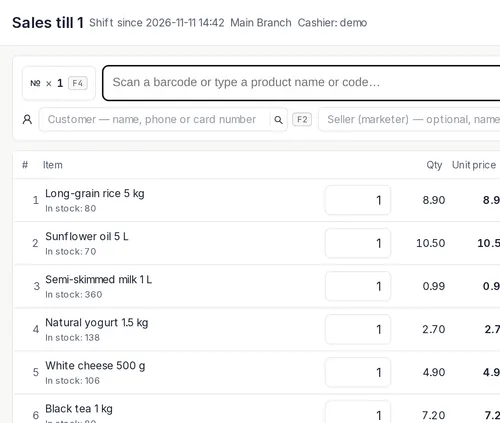
An F-key till: hold a sale, return and exchange in one transaction.
Weighed goods and thousands of barcodes.
Scale barcodes go straight into the till; shelf labels and QR.
Suppliers’ invoices and cheques get mixed up.
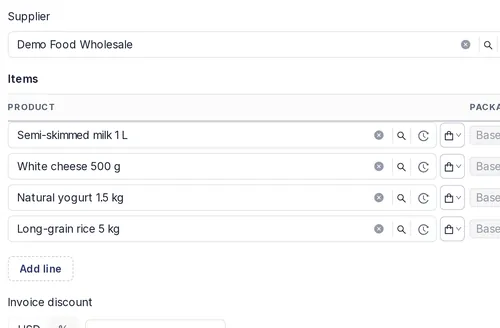
Purchase invoices, every supplier’s balance and issued cheques.
How PazarCloud handles it
01
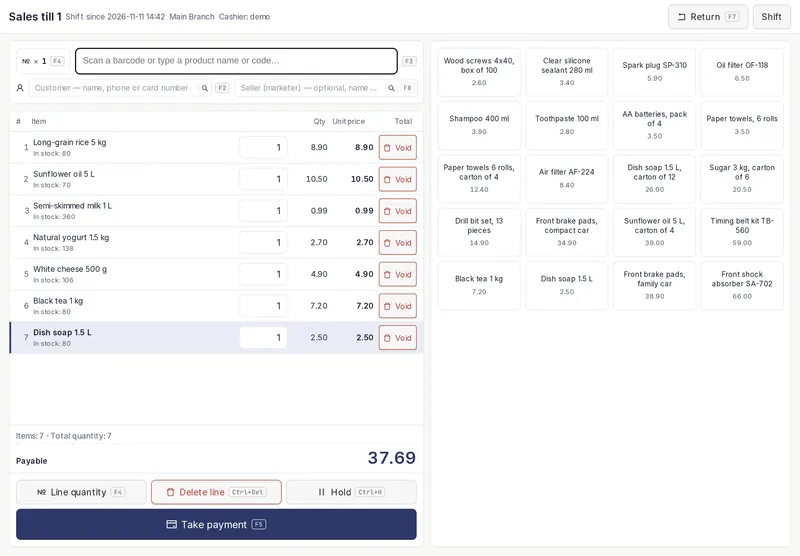
A fast till
Scan, press a key, done — the card terminal takes the amount itself.
- F-keys for everything
- Scale barcodes
- Card terminal at the till
02
Buying from distributors
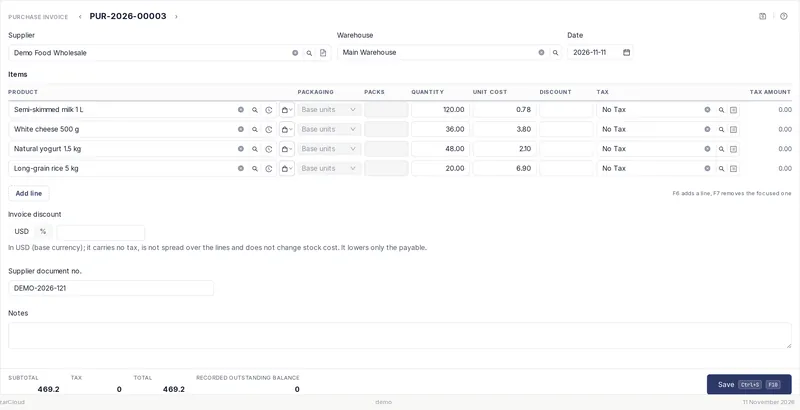
Every delivery updates stock and the supplier’s balance that moment.
- Purchase invoices by the carton
- Balance per supplier
- Issued cheques and due dates
03
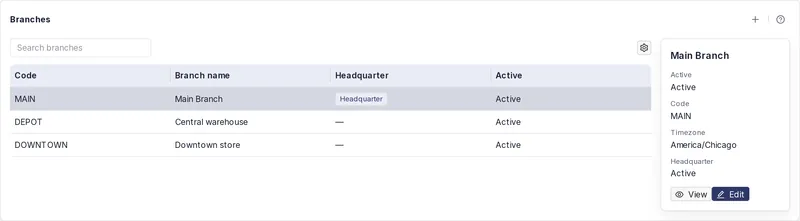
Every branch at a glance
One store or several — all in one system.
- Multiple branches and warehouses
- Transfers between branches
- Alerts for sales shortfalls and till differences
Till and shelf
Scale barcodesItem and weight or price
Card terminalsConnected to the till
Price labels and shelf QRPrinted from the system
CampaignsBuy one, get one
- POS till
- Scale barcodes
- Price labels
- Purchase invoices
- Supplier balances
- Issued cheques
- Low-stock list
- Campaigns
Suggested plan
Pro + Marketing & Campaigns
20 USD / month
Questions
Does it work with my scanner and scale?
A scanner works like a keyboard, and scale barcodes are read by their prefix and length.
What if the internet drops?
PazarCloud is in the cloud — carry on from any device, on any connection.
I have several tills.
Each till keeps its own report and difference.